
For KDP self-publishers
Create a Complete Coloring Book with AI.
No drawing required: describe a theme, generate the pages of a complete coloring book, then keep, remove, or regenerate each illustration before downloading a printable interior PDF.
KDP-safe margins · True 300 DPI · You approve every page
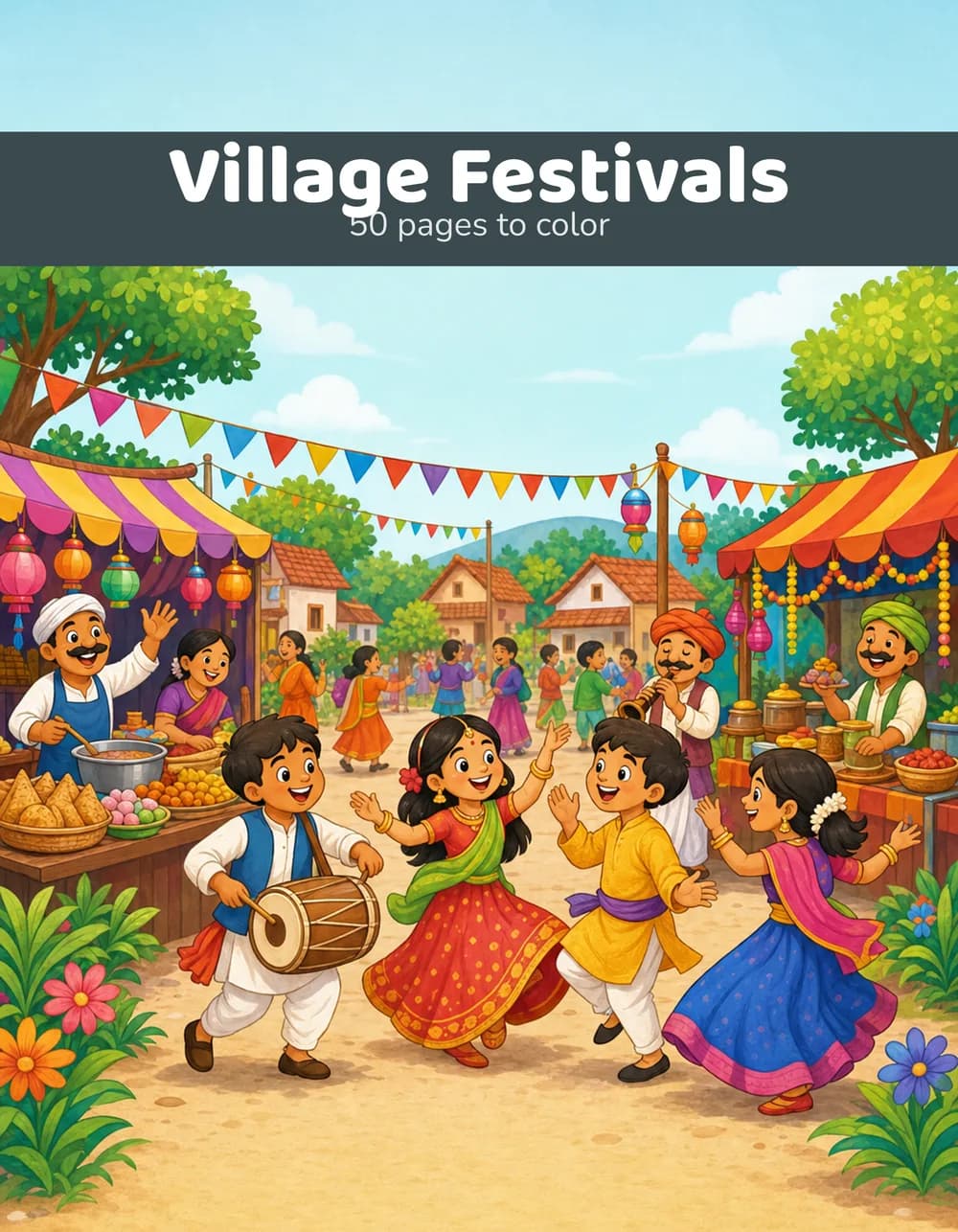
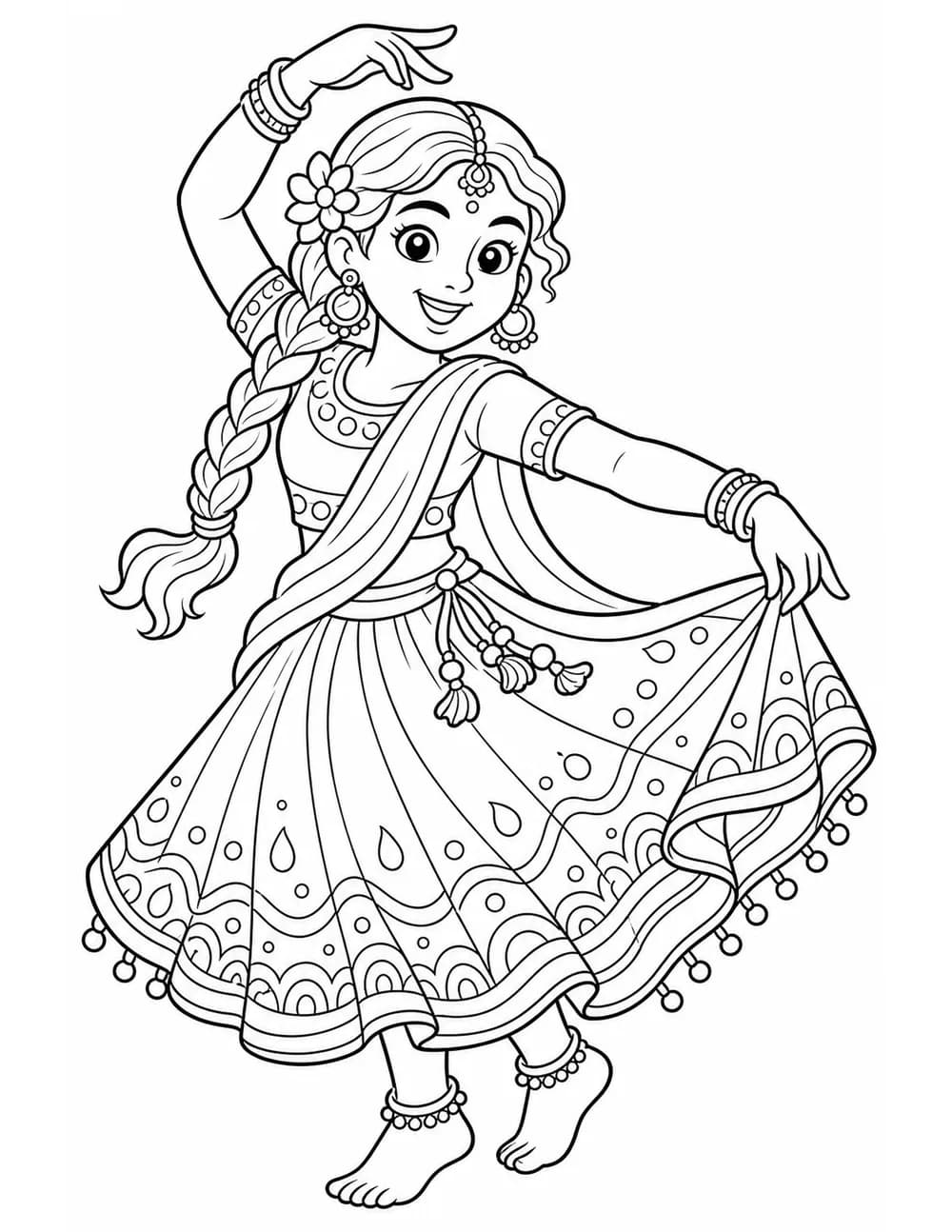
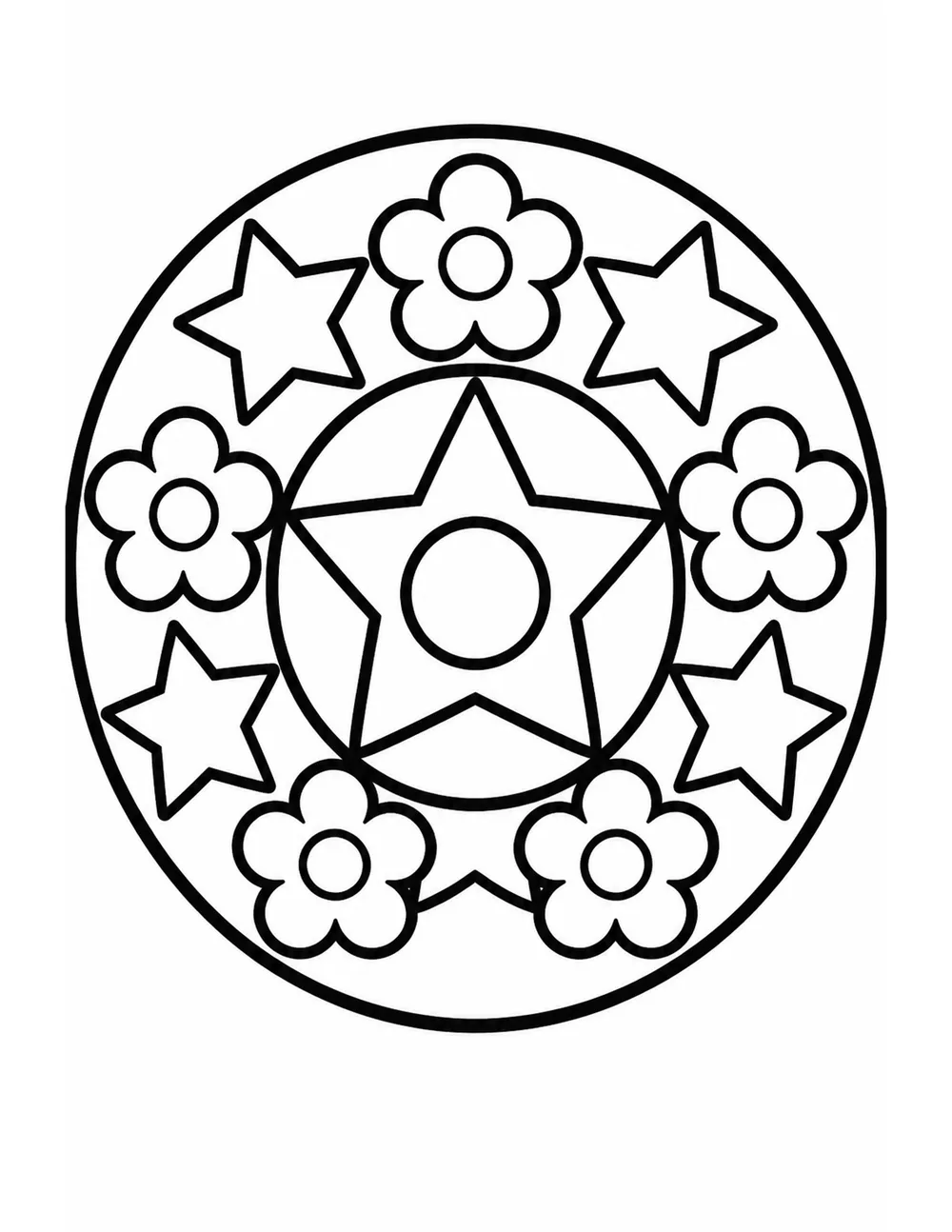
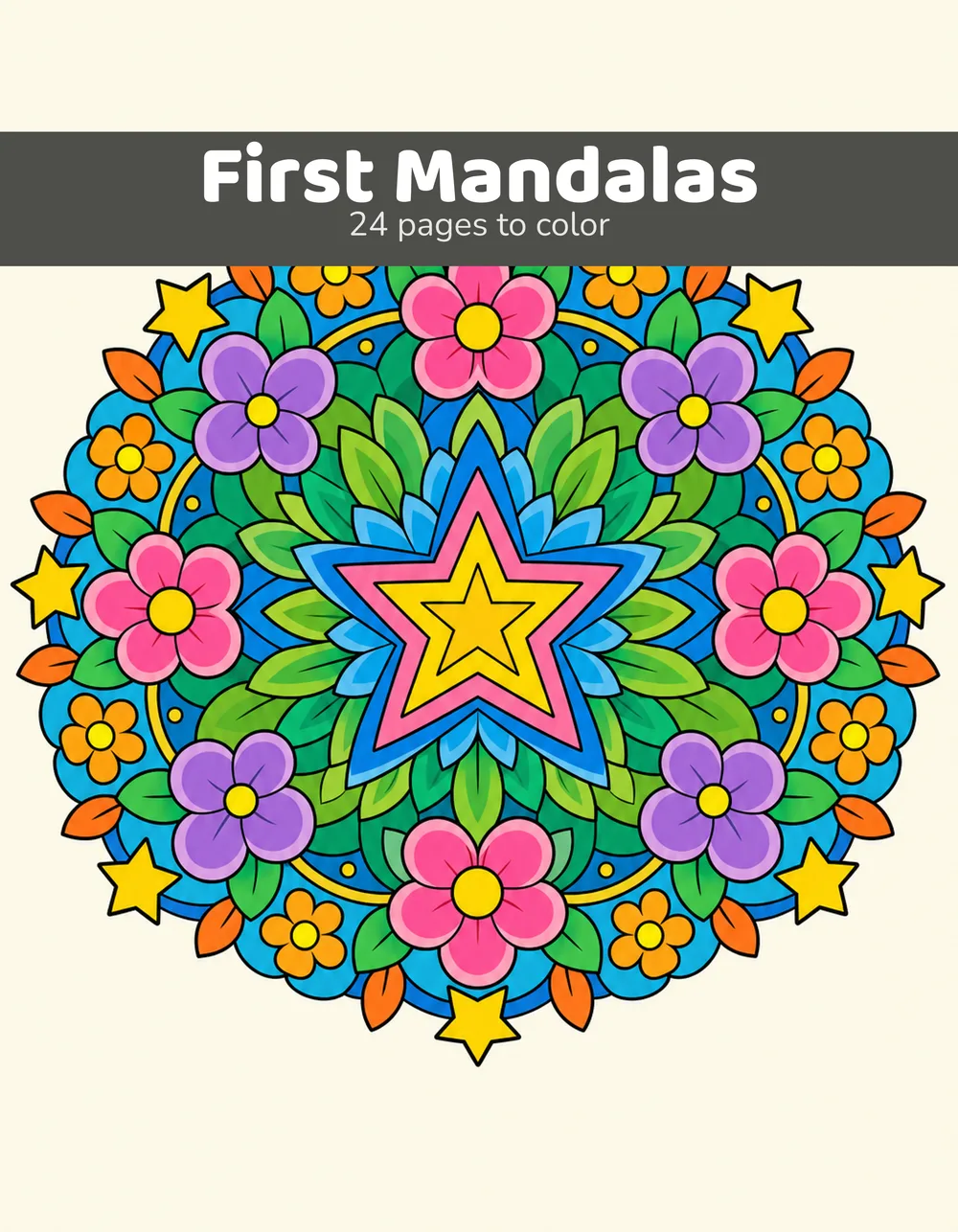
Every image on this page came out of the product — nothing here is a mockup.
Real output
Clean line art, not shaded illustration
Pages from two books generated with this tool, running from the boldest outlines to the finest linework — the same control that decides whether a book suits a four-year-old or the adult coloring market. Every page is black-and-white, closed-outline artwork, checked automatically for near-monochrome before it is ever stored, and upscaled to a true 300 DPI for print.
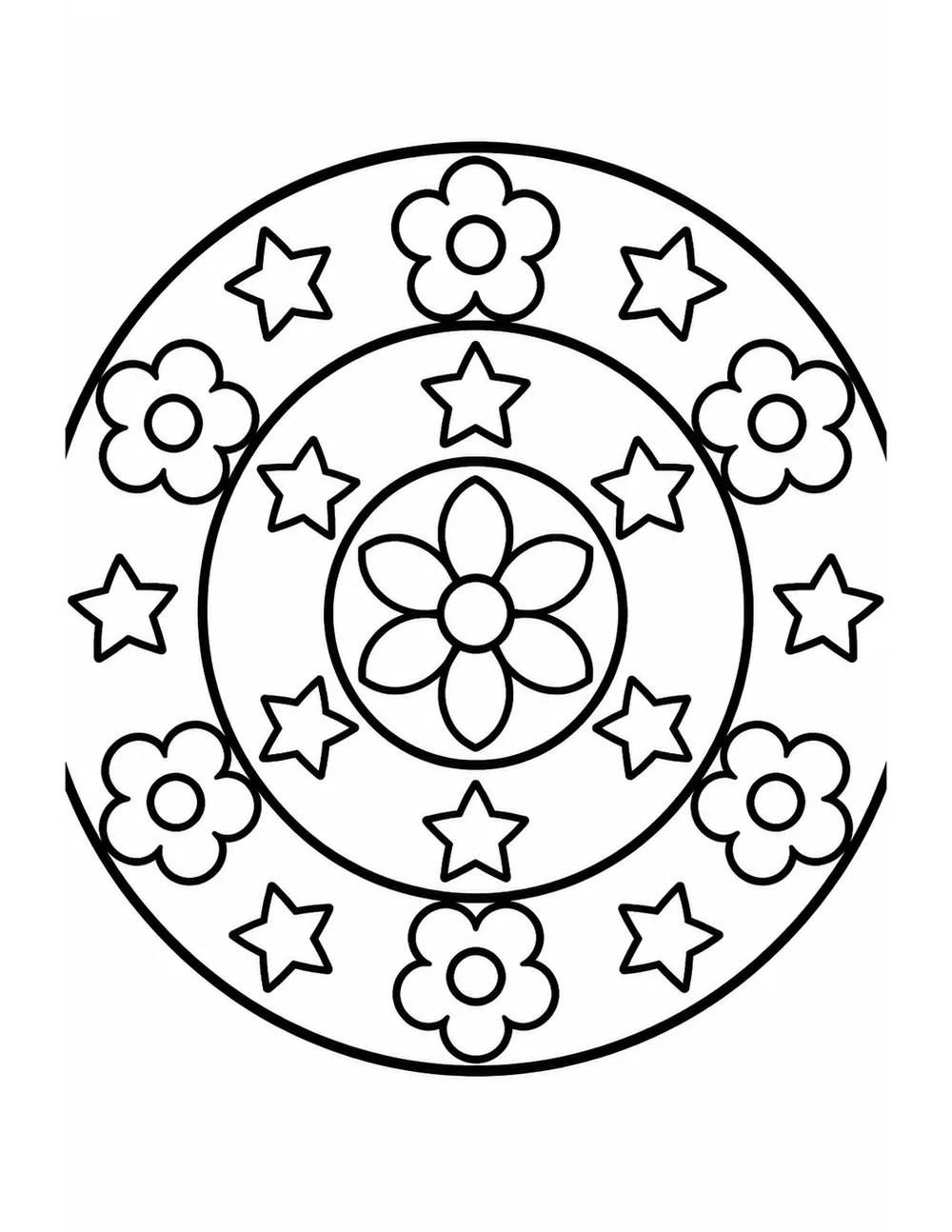
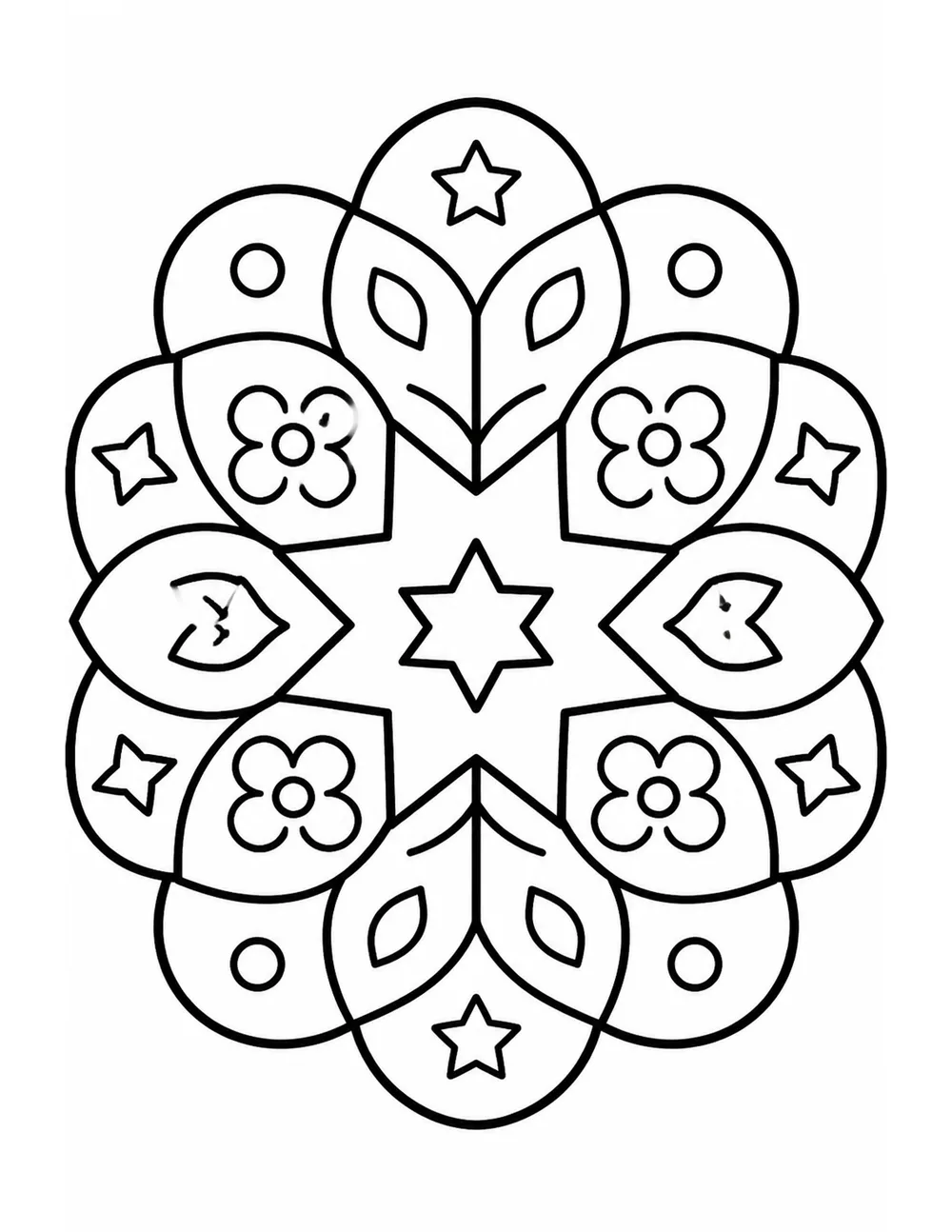
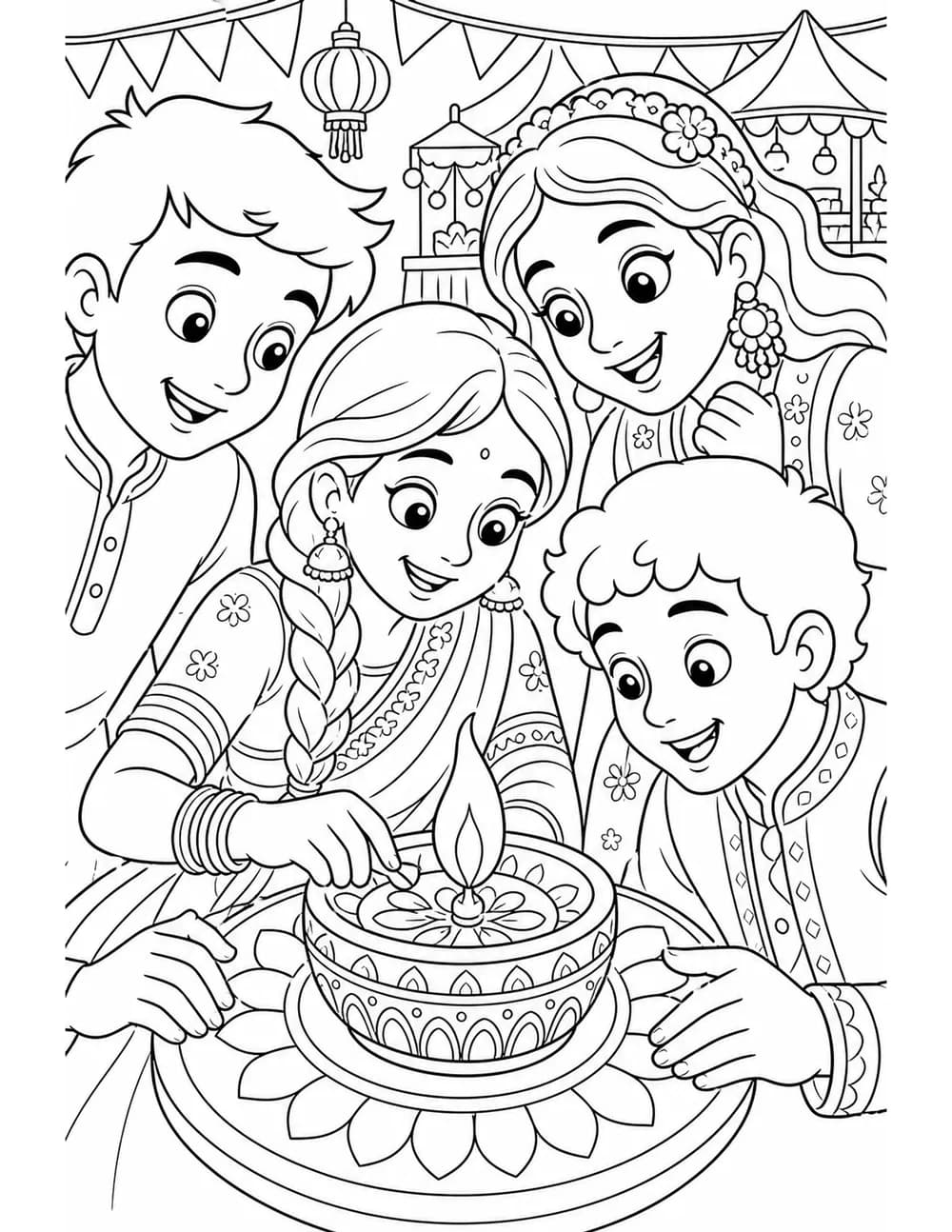
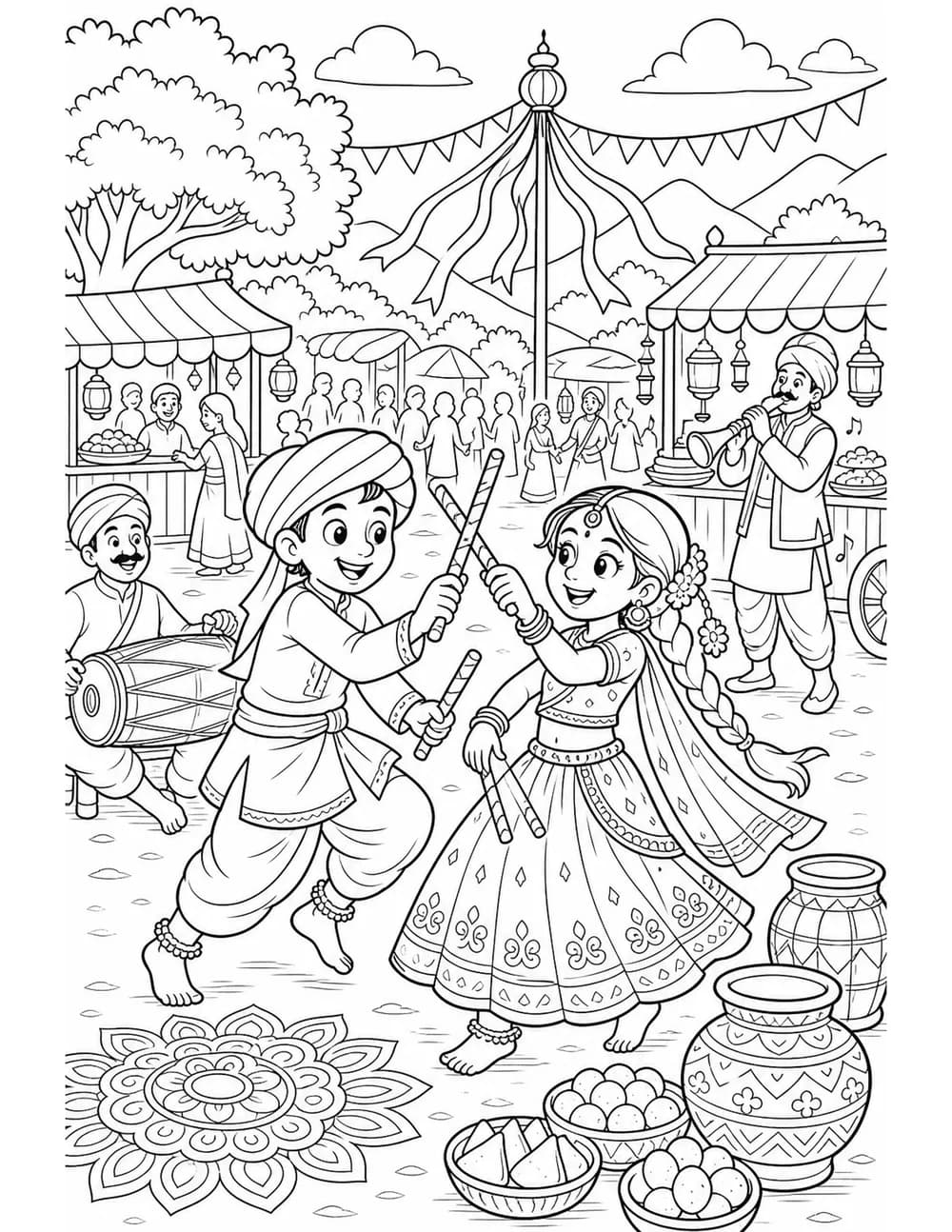
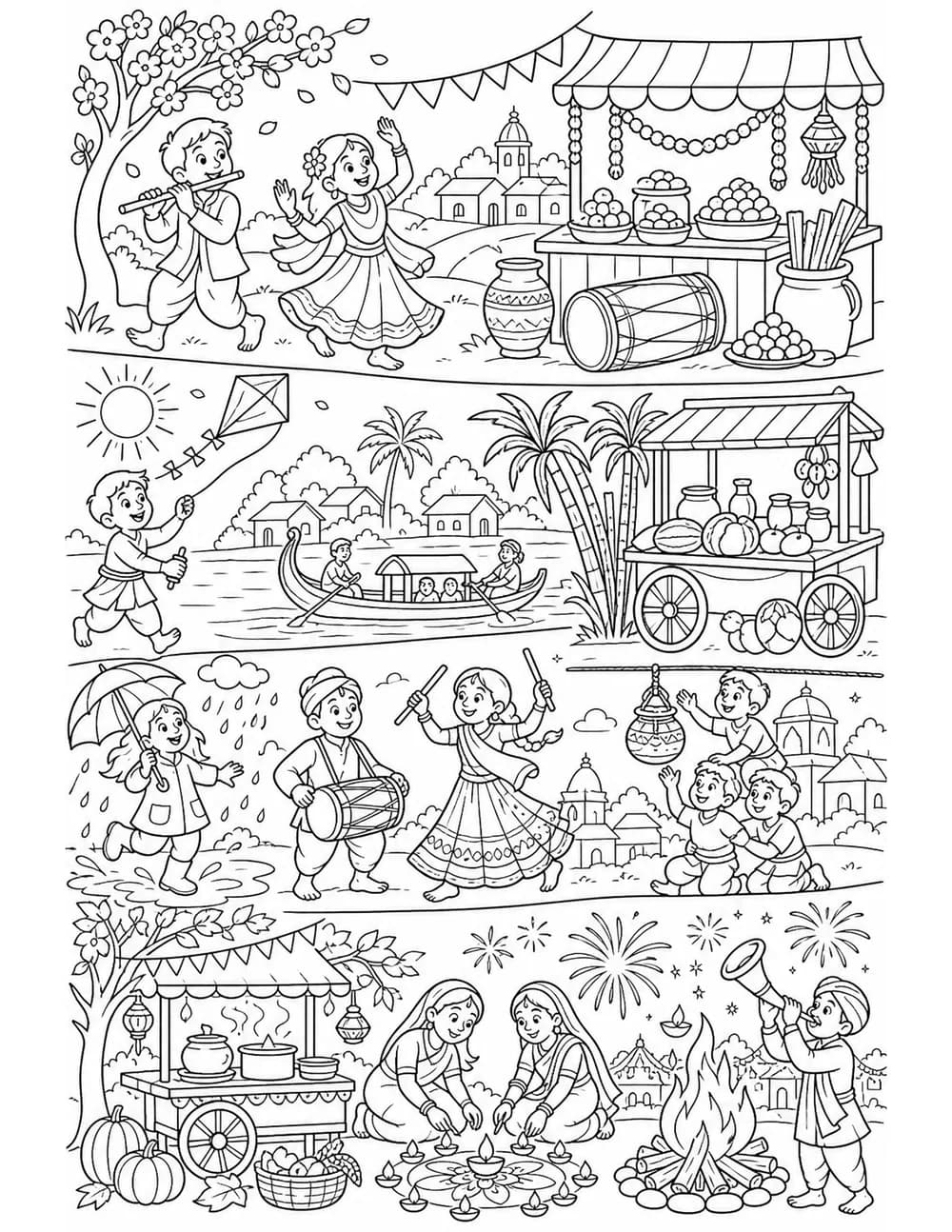
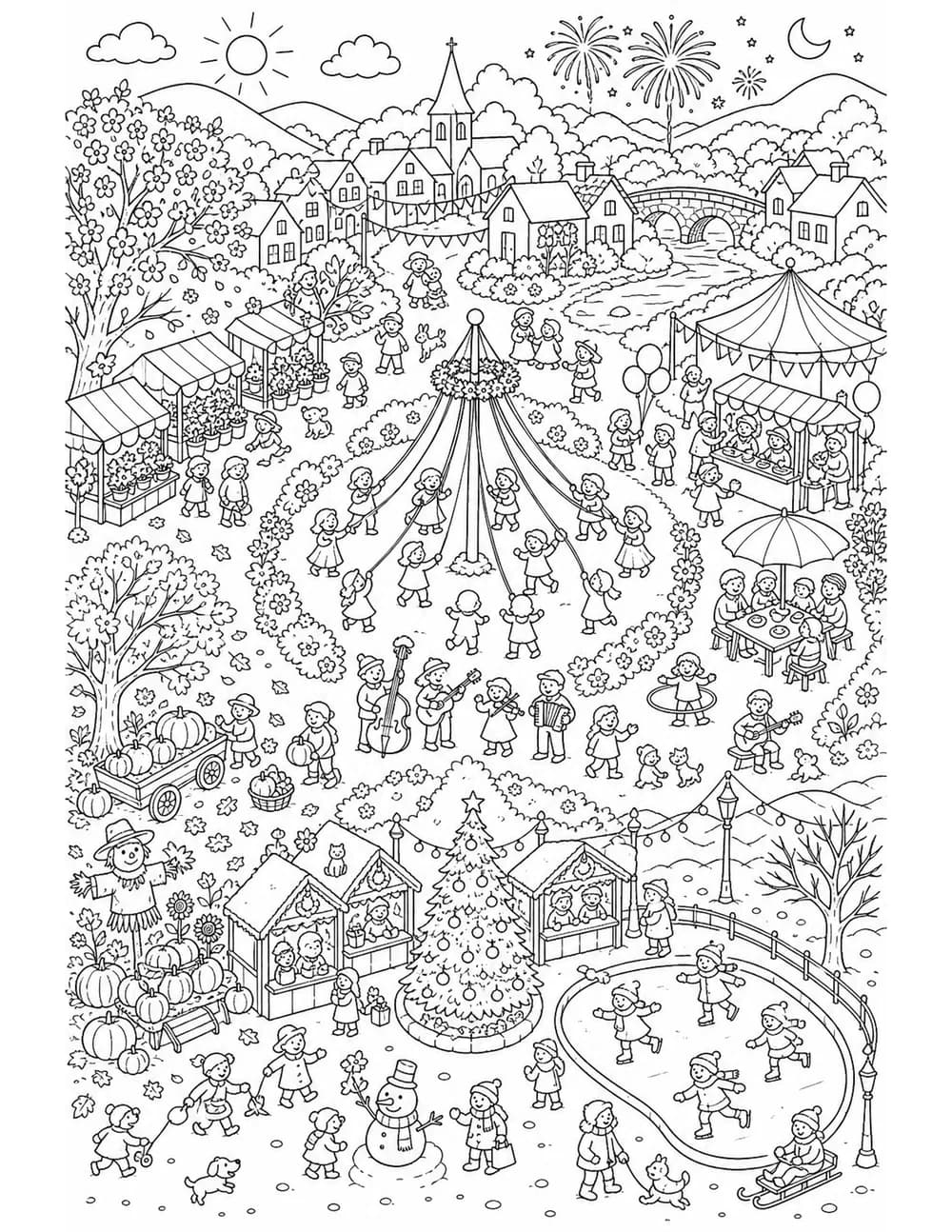
Try before you sign up
Download a finished book and cover
These are the actual files the product produced — the same interior PDF that passed Amazon KDP's previewer, and the matching front cover. Open them, print a page, run the manuscript through KDP's previewer yourself. No account needed.
Large because they're real 300 DPI print files, not screen previews. Both are paid-plan output: books built on the Free plan carry a diagonal watermark across every page, so you can see exactly what you'd be publishing before you pay for it.
How it works
From a sentence to a manuscript in three steps
Describe your theme
One sentence — “friendly jungle animals”, “art-deco butterflies”. Pick an art style, a detail level for your audience, and how many pages.
The pages draw in the background
Each page takes about a minute, and they appear in your review grid as they finish. Close the tab and go do something else — the job keeps running and picks up exactly where it left off.
Keep what you love
Review every page in a grid, drop the ones that miss, regenerate individually — then download a print-ready KDP PDF and a matching cover.
Covers
One piece of artwork, three ways to dress it
The same generated artwork below, laid out three different ways. Each treatment takes its colors from the picture itself and holds the title to a measured contrast ratio, so the text stays readable at thumbnail size on a store page.

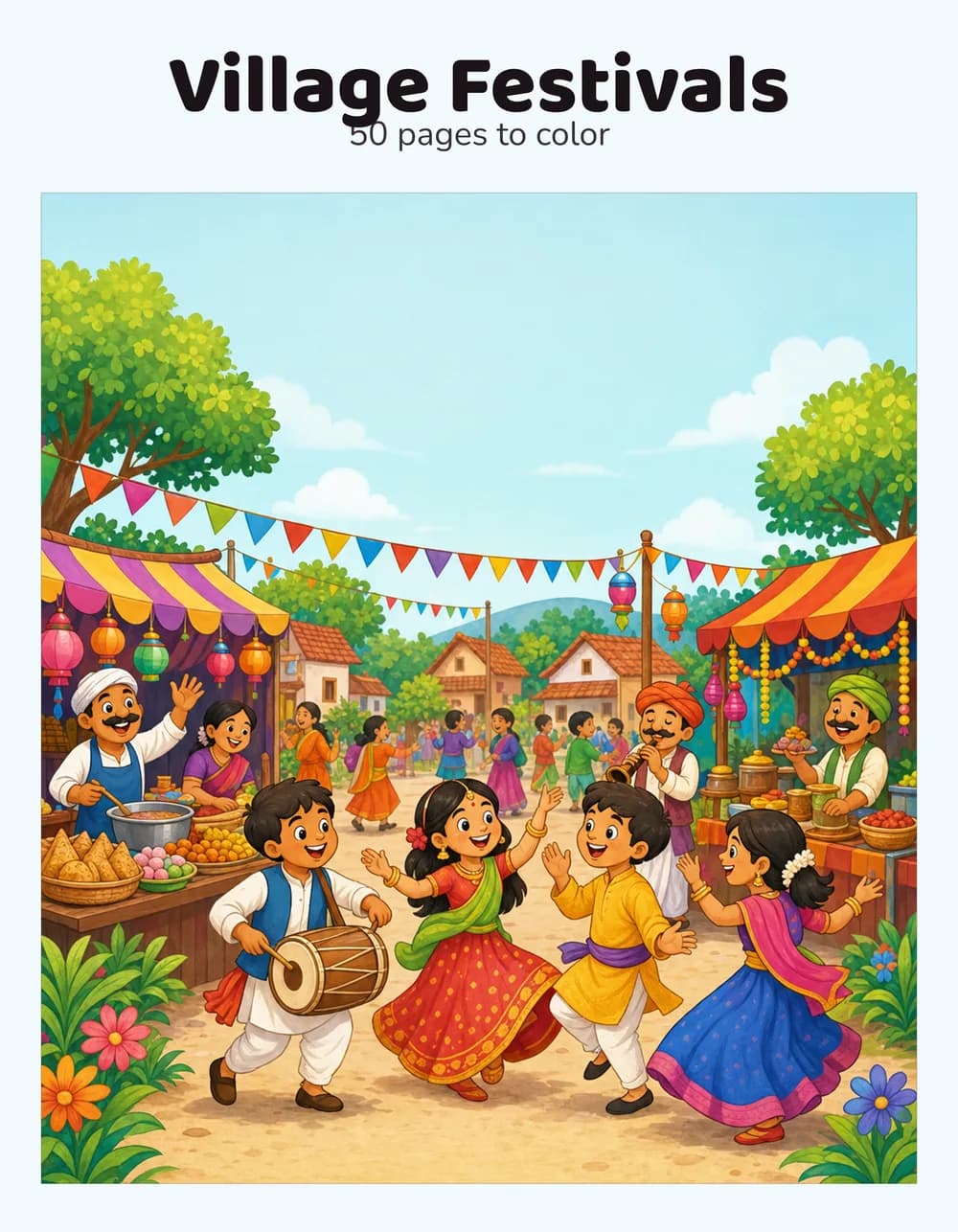
Switching is free. The artwork is stored separately from the finished cover, so changing the layout, the title, the subtitle or the author name re-composites from that stored art in a second — no new generation, and nothing taken from your monthly pages. Only brand-new artwork costs anything.
Features
Everything a coloring-book publisher needs, nothing to babysit
Four art styles
Cartoon, realistic, mandala, and fantasy — each tuned to produce clean, colorable outlines rather than shaded illustrations.
Detail level that fits the reader
Thick bold outlines and big simple shapes for young children, or fine intricate linework for the adult coloring market — your call, per book.
You are the final say
Nothing goes into your PDF until you approve it. Cull a page you don't like, regenerate it with a tweak, and rebuild the book as often as you want.
KDP-safe layout
0.5″ margins, a proper 0.75″ mirrored binding gutter, and images placed at a true 300 DPI — sized to pass Amazon's previewer first time.
Single-sided by default
A blank page after every picture, so markers and gel pens can't bleed through onto the next drawing — what buyers expect from a quality book.
A cover to match
Generate a full-color front cover from the same theme, with your title and author name typeset cleanly over the art — never drawn by the model.
Pricing
One sold book covers a year of Pro
Free
€0 / month
- 2 generated coloring pages per month
- All four art styles
- Up to 1 book in progress
- Interior pages
- Watermarked preview PDFs
Starter
€12 / month
- 80 generated coloring pages per month
- All four art styles
- Up to 3 books in progress
- Interior pages
- Print-ready, no watermark
Pro
€24 / month
- 200 generated coloring pages per month
- All four art styles
- Up to 10 books in progress
- Front cover generator
- Print-ready, no watermark
A page counts once when generated; regenerating costs another unit. Upgrade, downgrade or cancel anytime from your dashboard.
FAQ
Common questions
Is the PDF really ready for Amazon KDP?
Yes. Books use KDP trim sizes (8.5″×11″ and 8″×8″) with 0.5″ outer margins, a 0.75″ mirrored binding gutter, and every image placed at a true 300 DPI. Upload the downloaded file as your manuscript — or download the sample above and put it through KDP's previewer yourself before you pay us anything.
What settings do I choose when uploading to KDP?
Choose the trim size that matches your book, set Bleed to No bleed, and choose a black & white interior on white paper. Selecting another trim size will make every page show margin warnings.
How long does a book take?
About a minute per page, running in the background. You don't have to sit and watch it, and closing the tab doesn't stop it.
Do I own the books I generate?
Completely. Every page is generated uniquely for you and you keep full commercial rights — publish it, sell it, keep 100% of your royalties.
What if I don't like a page?
Drop it. Review every thumbnail, choose what stays, regenerate any individual page with an optional reworded theme, and rebuild the PDF as many times as you like.
What counts against my monthly quota?
Generated pages — including any page you regenerate and any cover you make. Failed or provider-declined pages cost nothing. Retitling or changing a cover layout costs nothing.
Does it make the back cover and spine too?
No — front cover only. Amazon KDP includes a free Cover Creator that adds the spine and back around the downloaded front cover.
Can I cancel anytime?
Yes. Manage or cancel your subscription any time from the dashboard via the billing portal — no emails, no phone calls.